Hanging Lights · Listicle
20 Office Hanging Lights That Cut Screen Glare

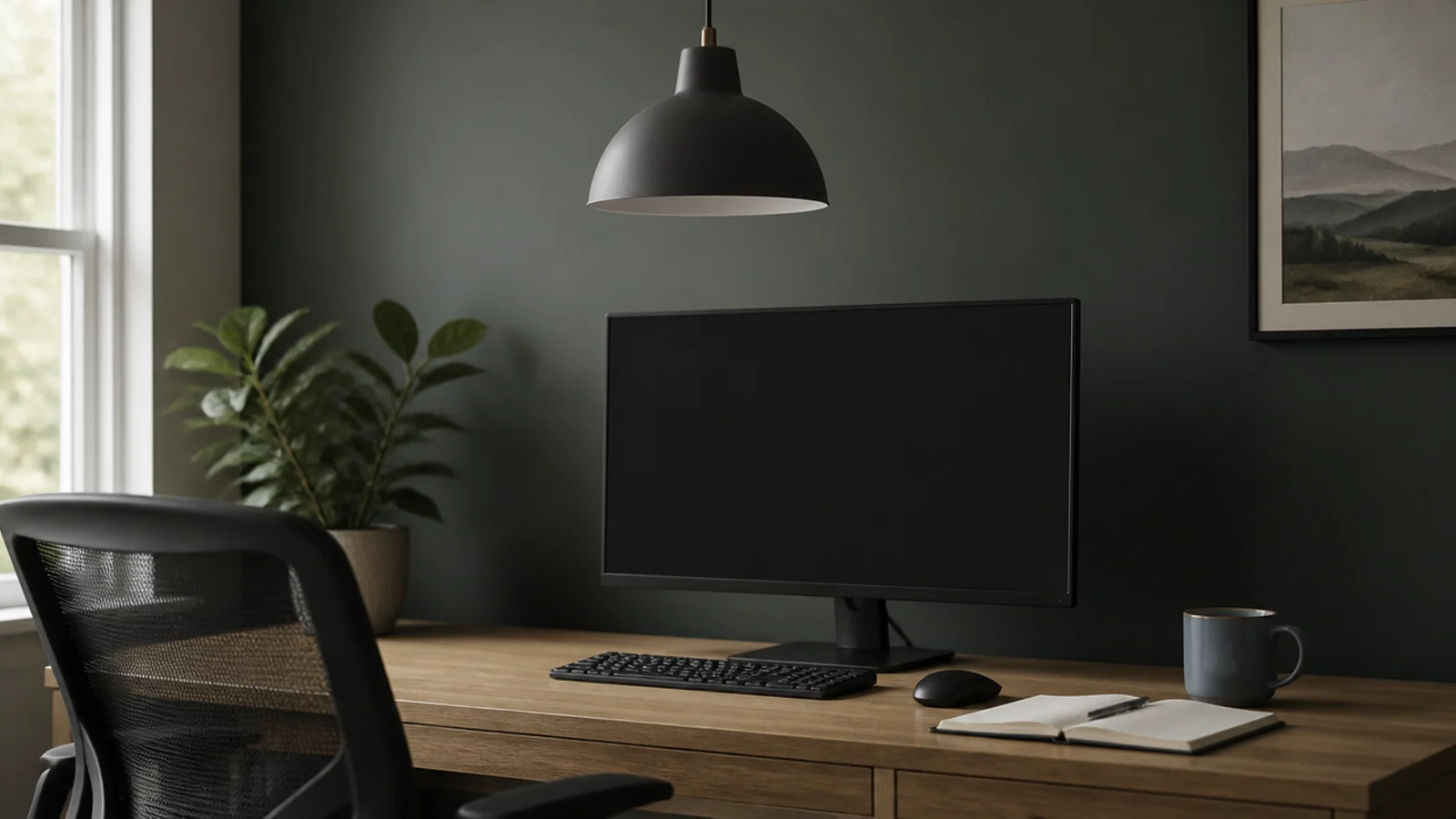
Screen glare is a placement problem dressed up as a fixture problem. A perfectly good pendant hung two feet in front of where you sit will reflect in the monitor all day, and no amount of dimming fixes the geometry. Office hanging lights work when the source is behind your shoulder, shielded above your sightline and set at a level the surrounding room roughly matches. I have rearranged four home offices on those three rules alone. Below are twenty fixtures and placements, with the lumen counts, colour temperatures and angles that make a desk comfortable for eight hours.
In this guide22 sections — tap to openHide
- 1.What office hanging lights have to solve
- 2.Put the fixture behind you, not in front
- 3.Shield the bulb above a thirty degree sightline
- 4.Opaque shades rather than clear glass
- 5.Five hundred to seven hundred lumens on the desk
- 6.Three thousand five hundred kelvin for the working day
- 7.A matte interior instead of a polished one
- 8.Thirty to thirty four inches above the desk
- 9.Two smaller fixtures instead of one bright one
- 10.Position measured from the monitor, not the room
- 11.The mirror test before you fix anything
- 12.A wall washer to lift the background
- 13.Keeping the room within a third of the desk
- 14.A dimmer for evening video calls
- 15.Tuneable white in a room that is also a living space
- 16.Beam angle for task instead of ambient
- 17.A run of pendants over a shared desk
- 18.Window glare that no fixture will fix
- 19.Flicker free drivers for camera work
- 20.Cord routing that keeps the desk clear
- 21.The ceiling box in a rented office room
- 22.Mistakes to Skip
What office hanging lights have to solve
Three specifications, and one ten-second test.
Task level. 500 to 700 lumens landing on the desk, roughly 300 to 500 lux for general work. The surrounding room should sit at about a third of that. A bright desk in a black room causes as much eye strain as a dim one, because your pupils adjust every time you look up.
Colour. 3500K to 4000K during working hours supports focus without looking clinical. If the room doubles as living space, drop to 2700K in the evening or fit a tuneable white fixture.
Shielding. The bulb should be invisible from a seated position, which in practice means the shade cuts the source above roughly a 30 degree line from your eye. Deep cones, opaque drums and dark-outside shades with matte pale interiors all pass; clear glass and open cages do not.
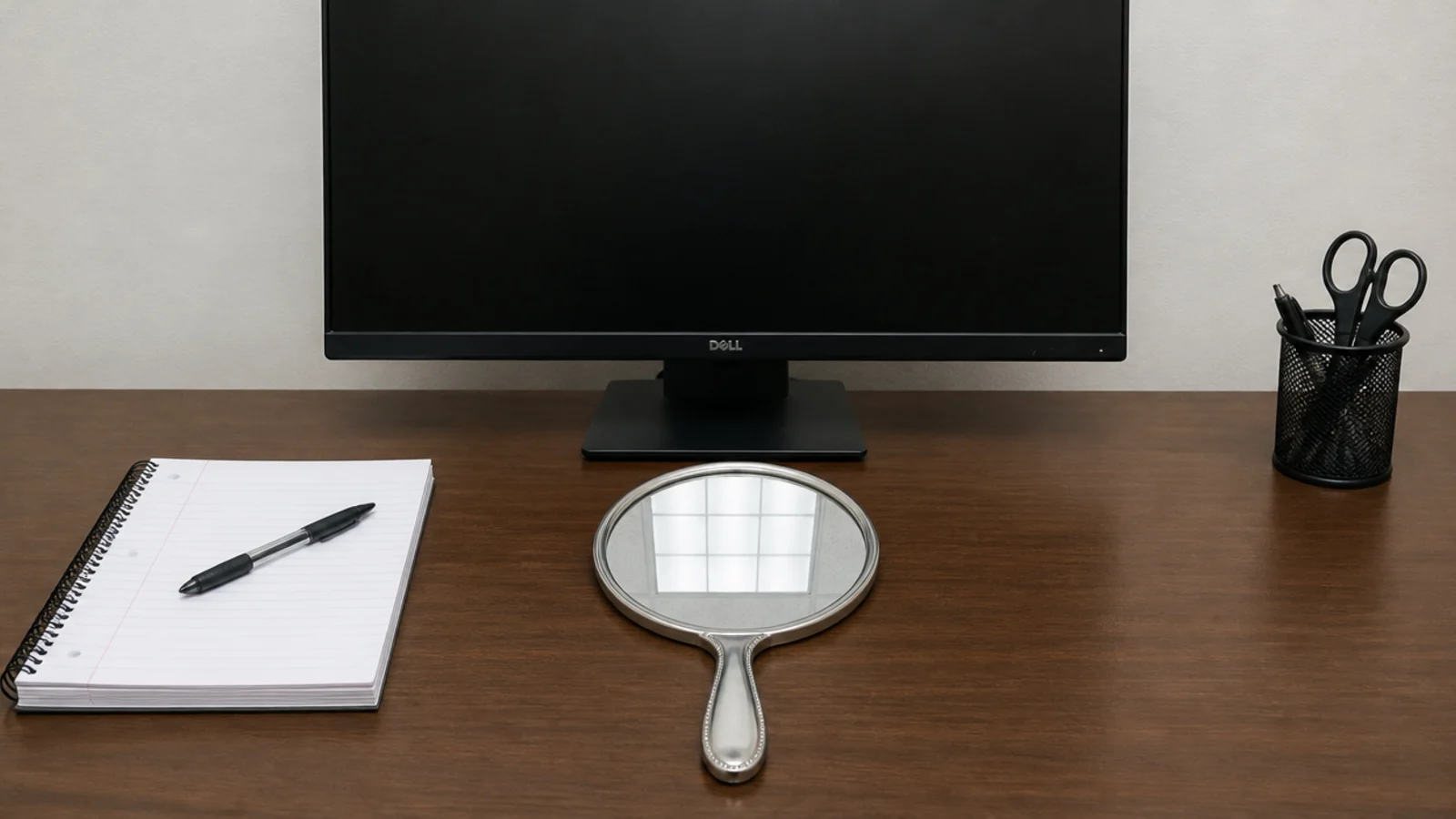
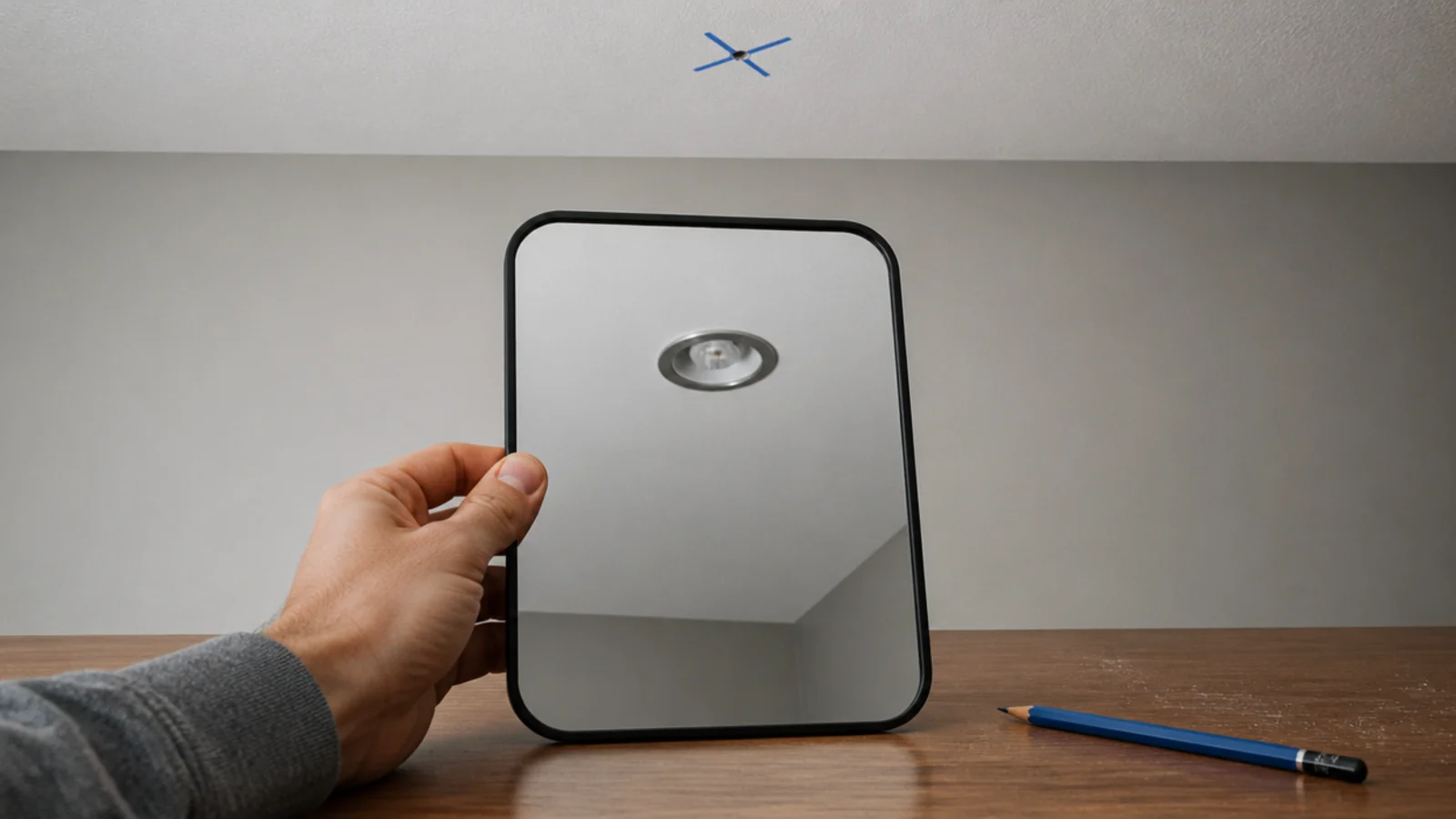
The mirror test. Sit in your chair, lay a small mirror flat on the desk in front of the screen and look at it. Anything reflected there will reflect in the monitor. It takes ten seconds and settles every placement argument.
Fixtures run $40 to $200, a trailing-edge dimmer $20 to $35, and a rated ceiling box carries the fixture weight — new ceiling points are an electrician's job in most jurisdictions.
1. Put the fixture behind you, not in front
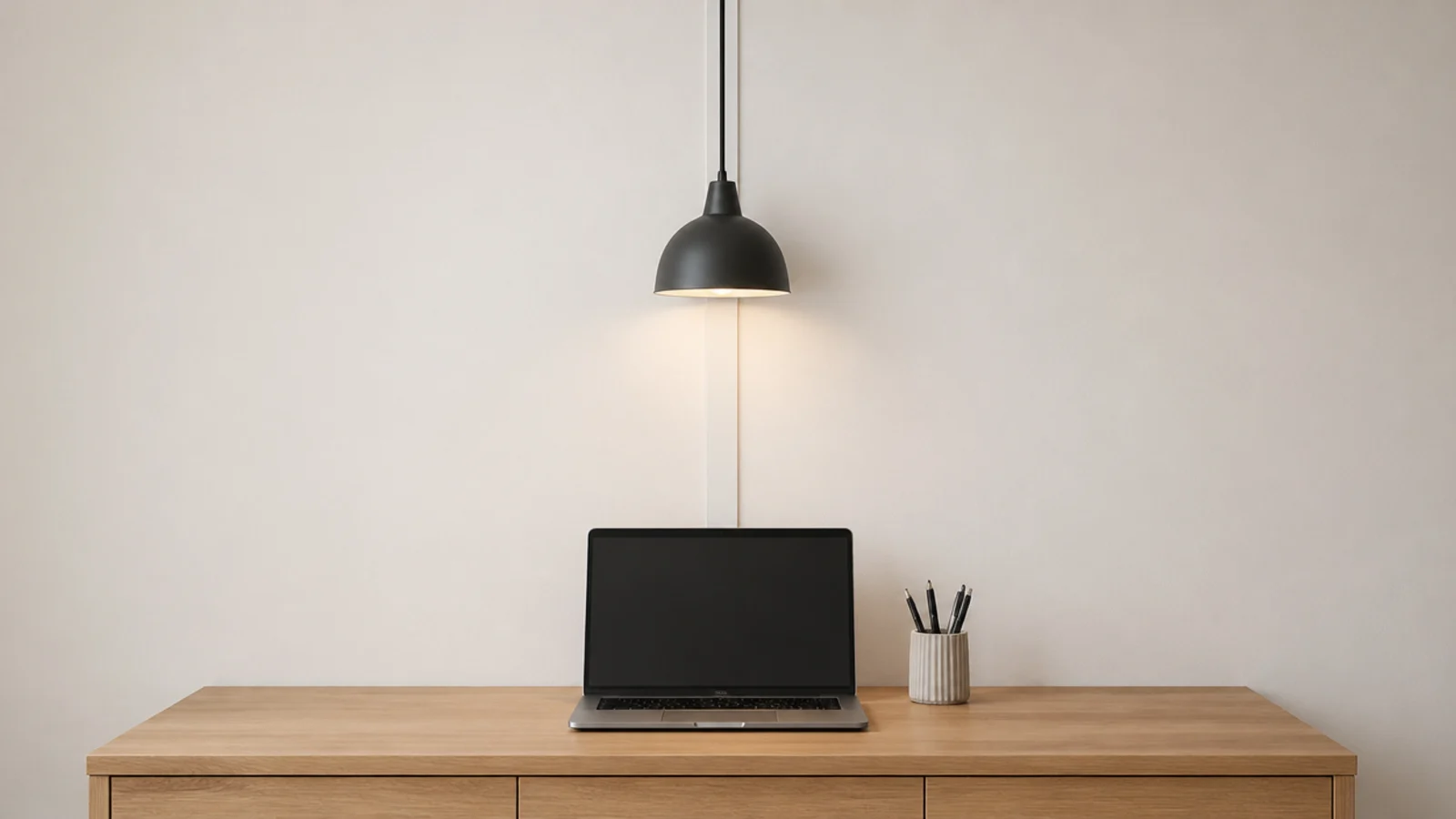
The single highest-value change here, and it costs nothing but a swag hook. Light arriving over your shoulder lands on the keyboard and the paper; light arriving from in front lands on the screen and in your eyes. Aim for a position roughly 12 to 18 inches behind the front edge of the chair, and check it with the chair pushed in as well as pulled out, because most people work in both positions across a day.
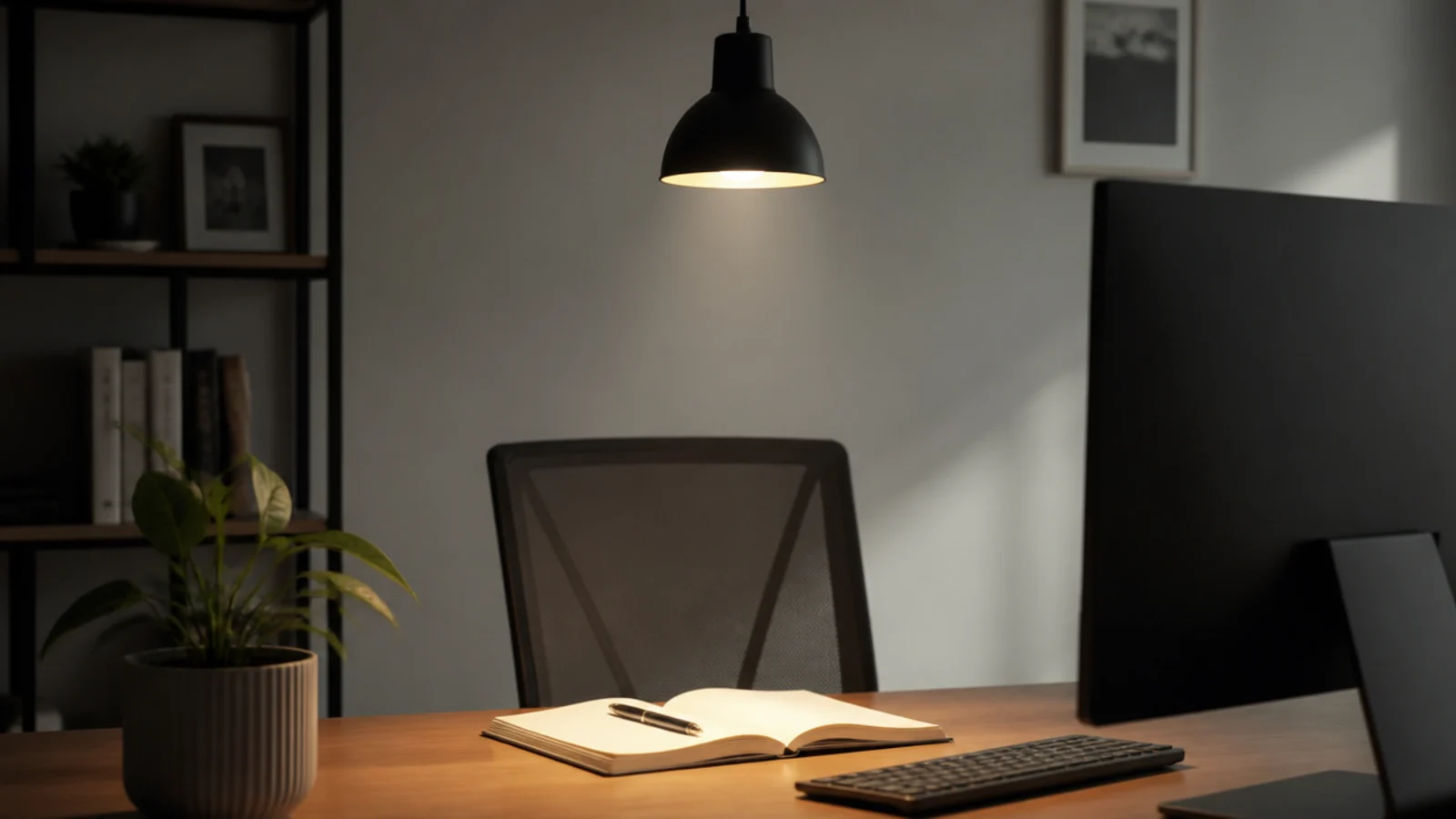
2. Shield the bulb above a thirty degree sightline
Sit down and look up at the fixture before you buy it. If you can see the bulb, so can your eye all day. A shade that is at least as deep as it is wide will usually cut the source above a comfortable angle from a seated position 3 feet away.
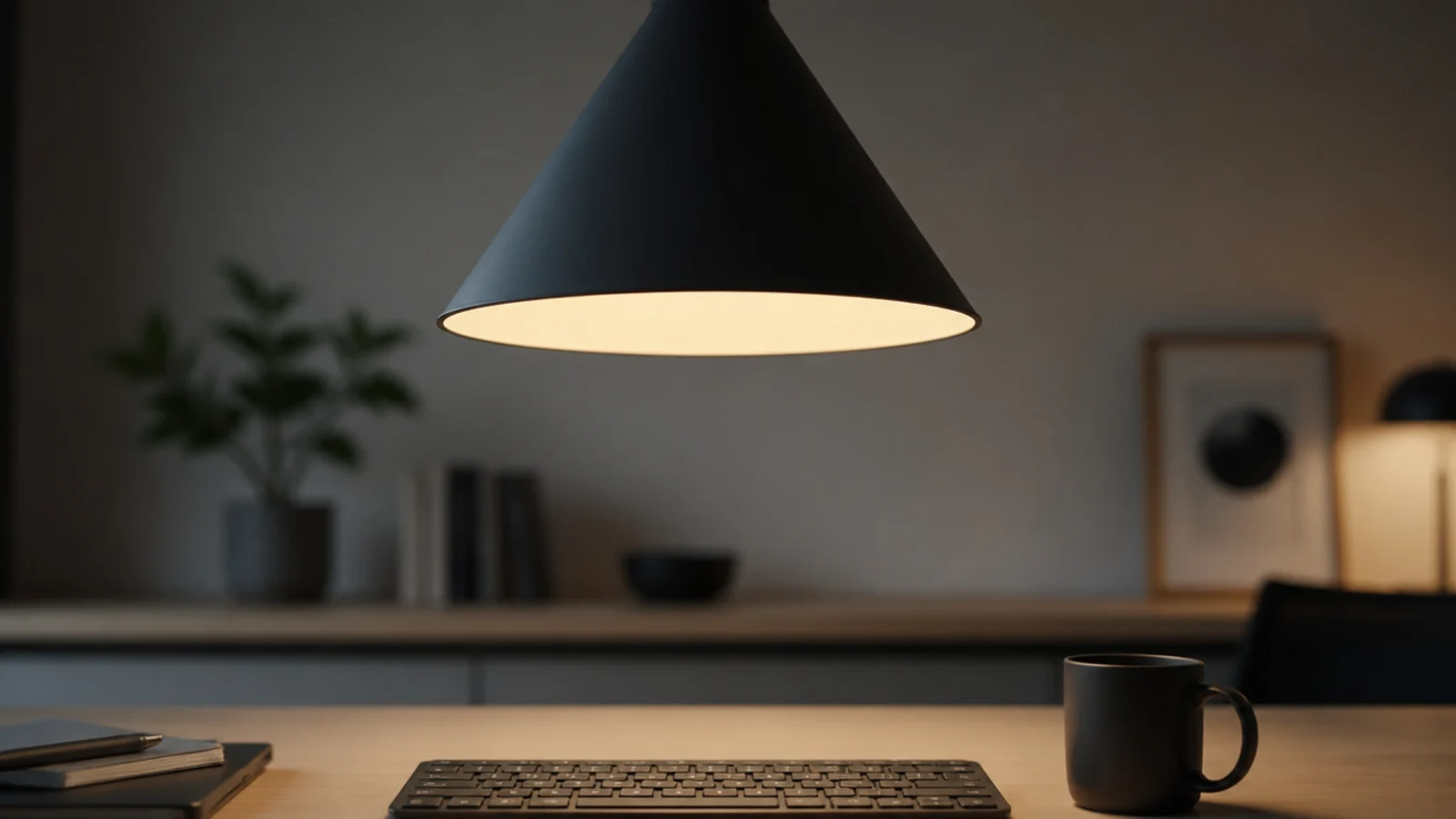
3. Opaque shades rather than clear glass
Clear glass over a desk puts a small, extremely bright object directly in your peripheral vision. Painted metal, opal glass and fabric all work. If you love a clear fixture, put it somewhere in the room you do not face, and light the desk separately.
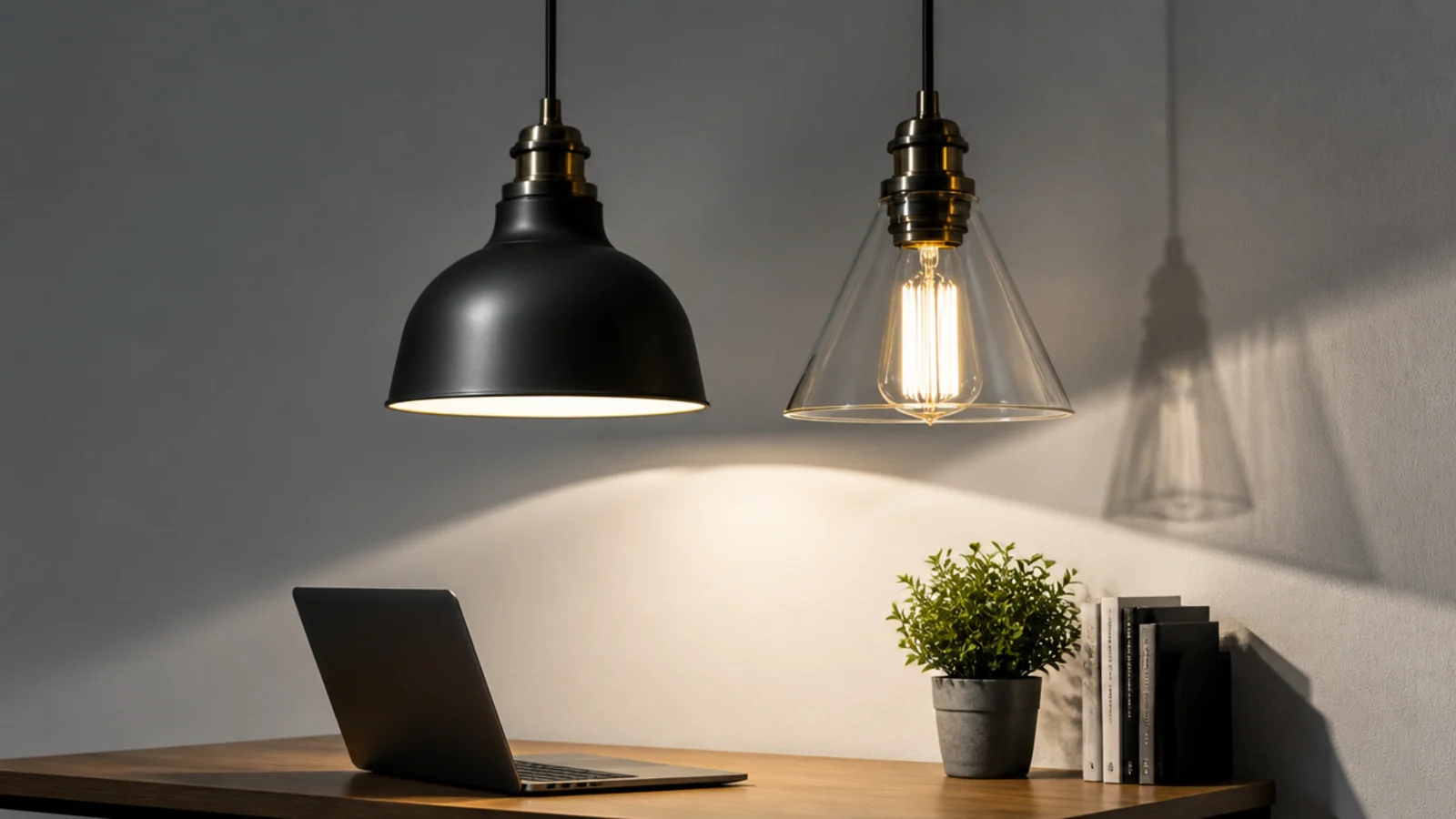
4. Five hundred to seven hundred lumens on the desk
That is a 6 to 9 watt LED in a focused shade at 32 inches above the surface. The goal is even coverage of the whole desk rather than a bright circle in the middle, because a hard-edged pool forces your eyes to readjust every time you move a page. A 30 by 60 inch desk needs the light spread across roughly 12 square feet, which one narrow cone will not manage alone.

5. Three thousand five hundred kelvin for the working day
3500K to 4000K reads as daylight-adjacent and supports concentration. Below 3000K the room feels like an evening, above 5000K it feels like a waiting room. Buy the bulb by its kelvin number rather than by words like "cool white", which vary by maker.

6. A matte interior instead of a polished one
A polished chrome or mirror-finish lining creates a bright specular hotspot that will find your eye from somewhere. Matte white scatters the same light evenly and delivers nearly as much of it downward. On a desk fixture this detail matters more than the exterior finish.
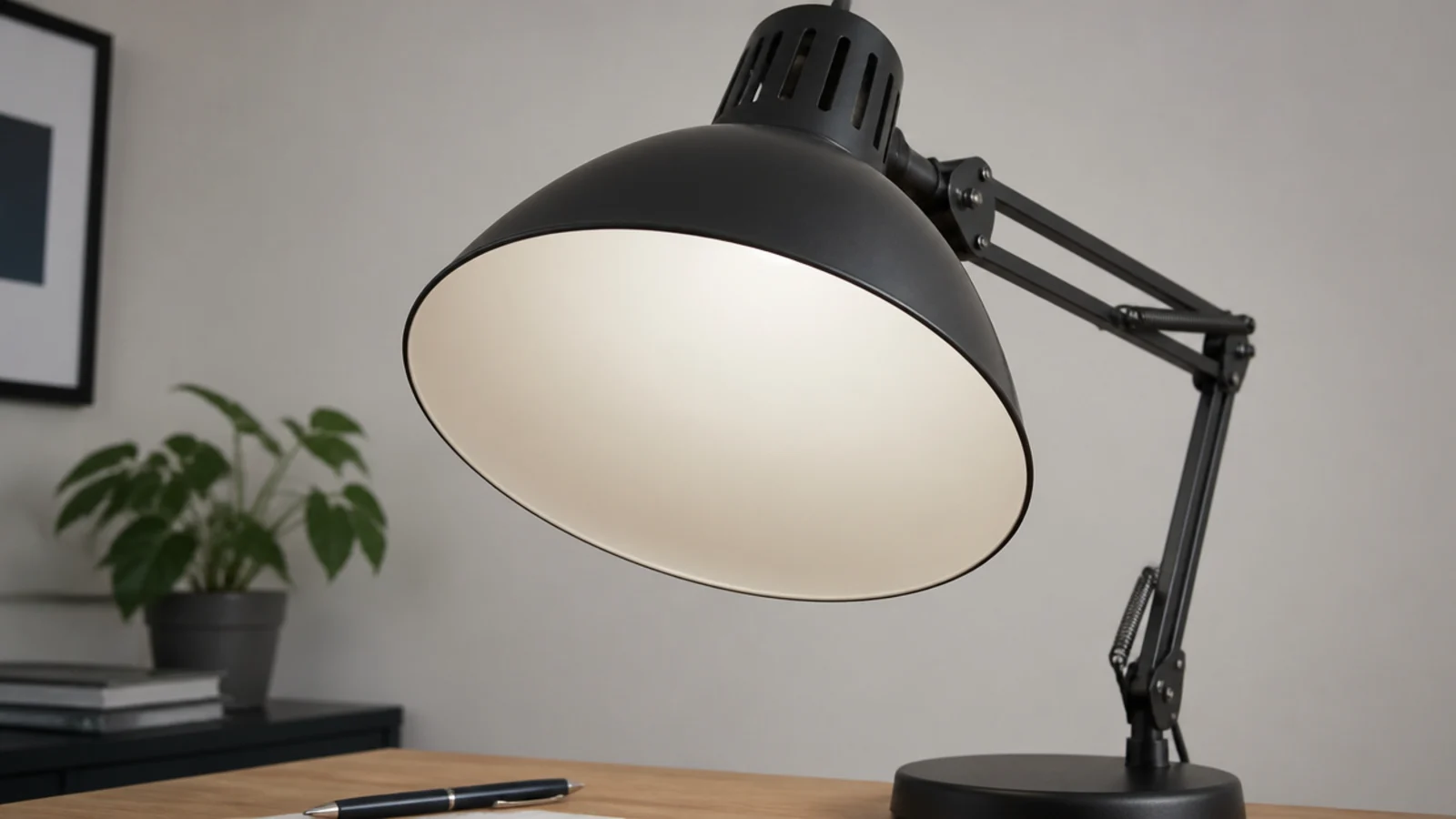
7. Thirty to thirty four inches above the desk
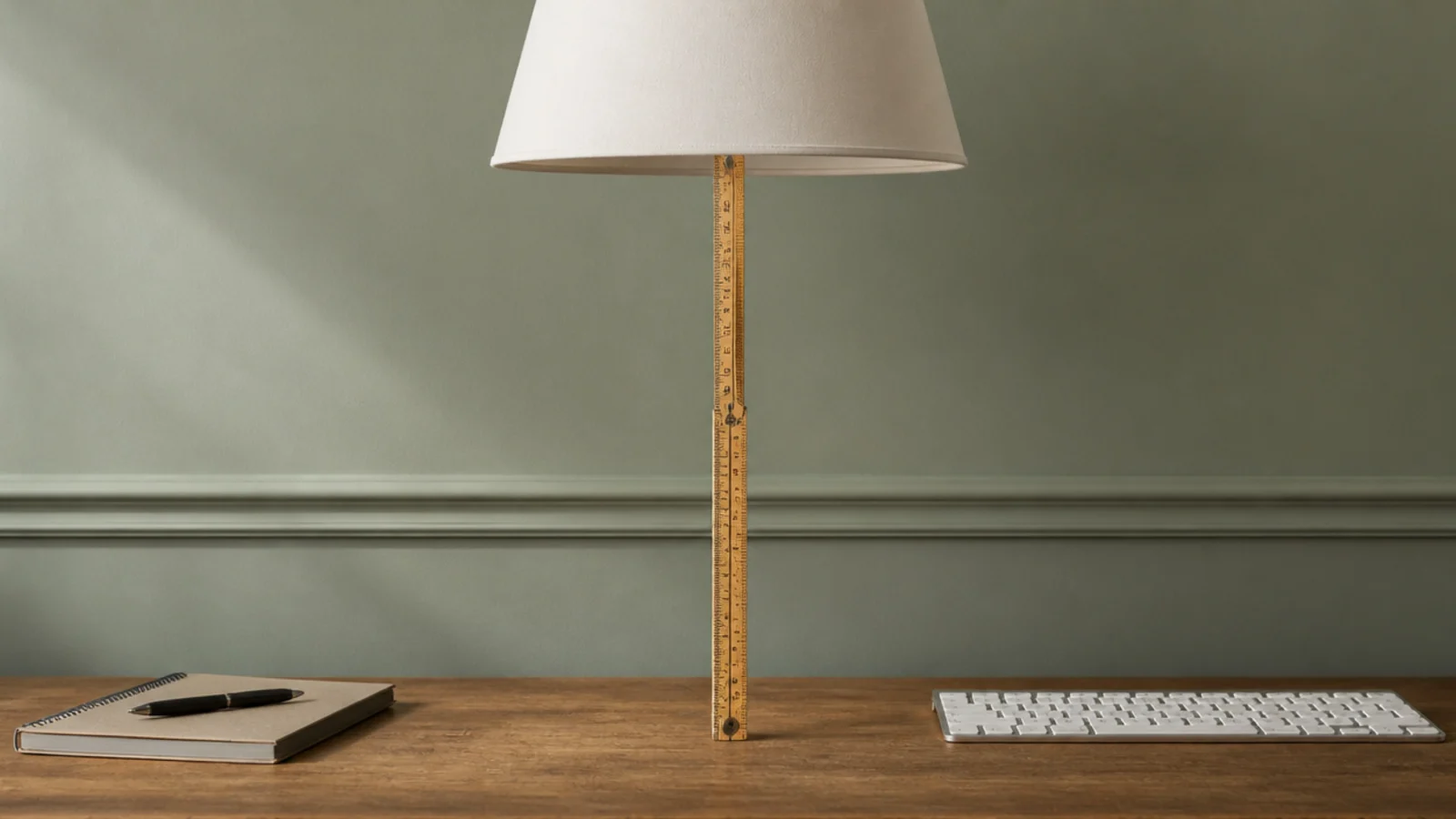
Measured from the desktop, the same as a dining table. Lower puts the shade in your sightline to the monitor; higher spreads the light too thin to be task lighting. If a monitor is tall, move the fixture sideways rather than raising it.
8. Two smaller fixtures instead of one bright one
Two 400 lumen shades over a long desk give more even coverage and softer shadows than one 800 lumen fixture. It also means less contrast between the lit spot and everything around it, which is what makes a desk comfortable over hours. The small room guide covers tight desk alcoves.
9. Position measured from the monitor, not the room
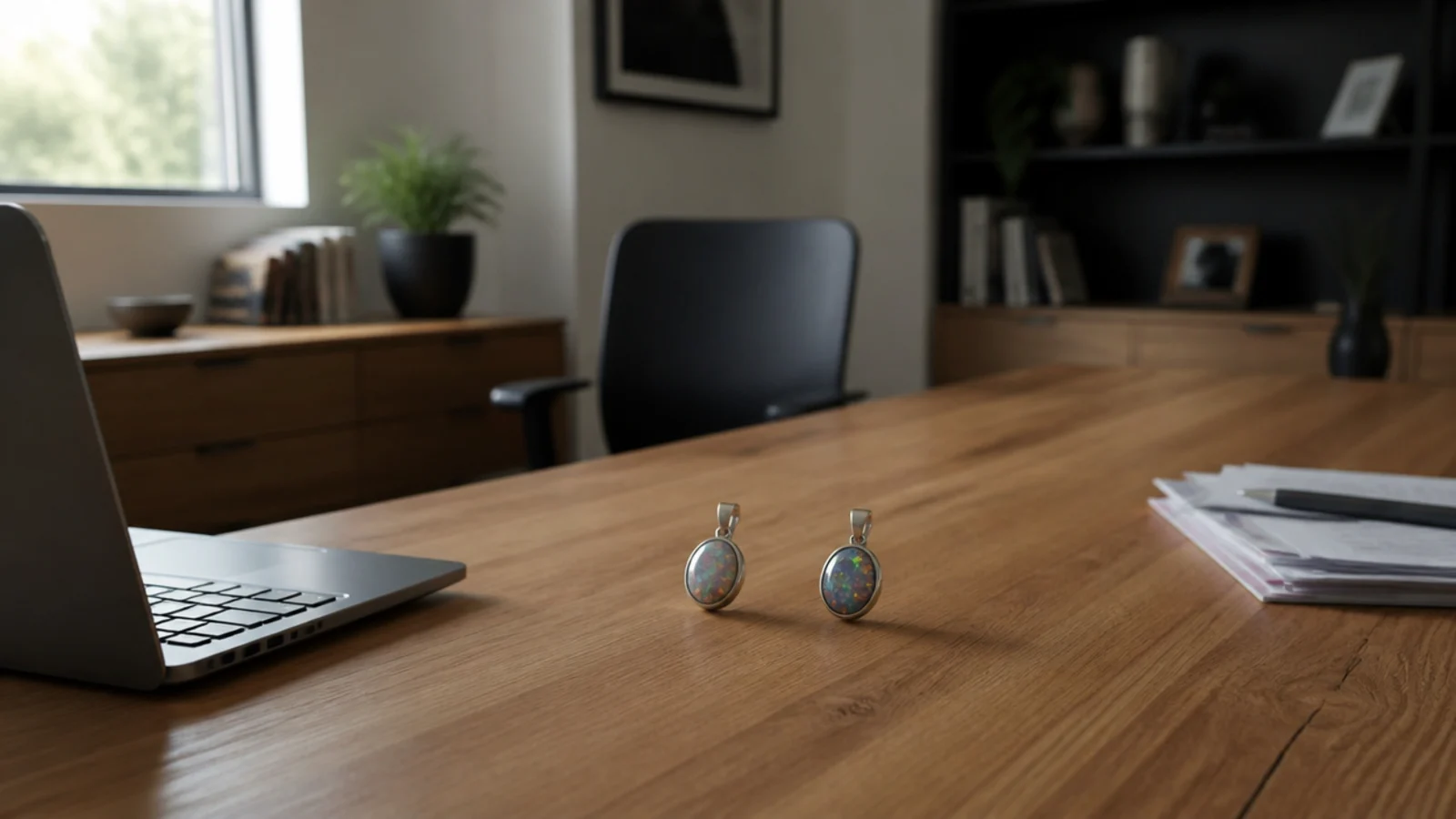
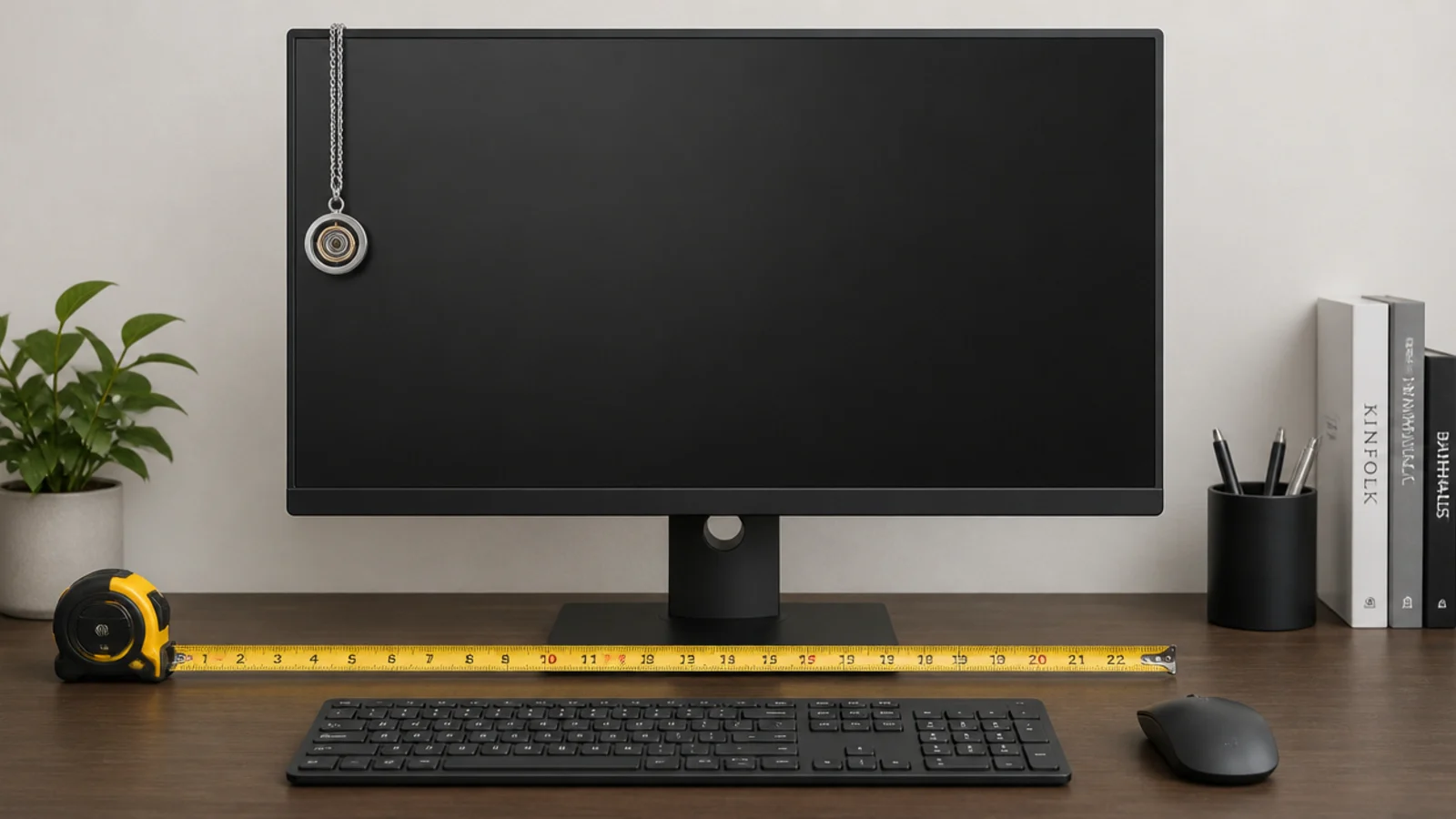
Set the fixture out from the screen by at least 18 inches horizontally, on the side away from your writing hand so nothing casts a shadow across a notebook. The room centre is irrelevant here; the monitor is the object everything is arranged around.
10. The mirror test before you fix anything
Mark the proposed ceiling position with tape, hold a mirror on the desk and look. If the tape is visible in the mirror, the fixture will be visible in the screen. Move the mark until it is not, then drill. This one test prevents most office lighting regret.
11. A wall washer to lift the background
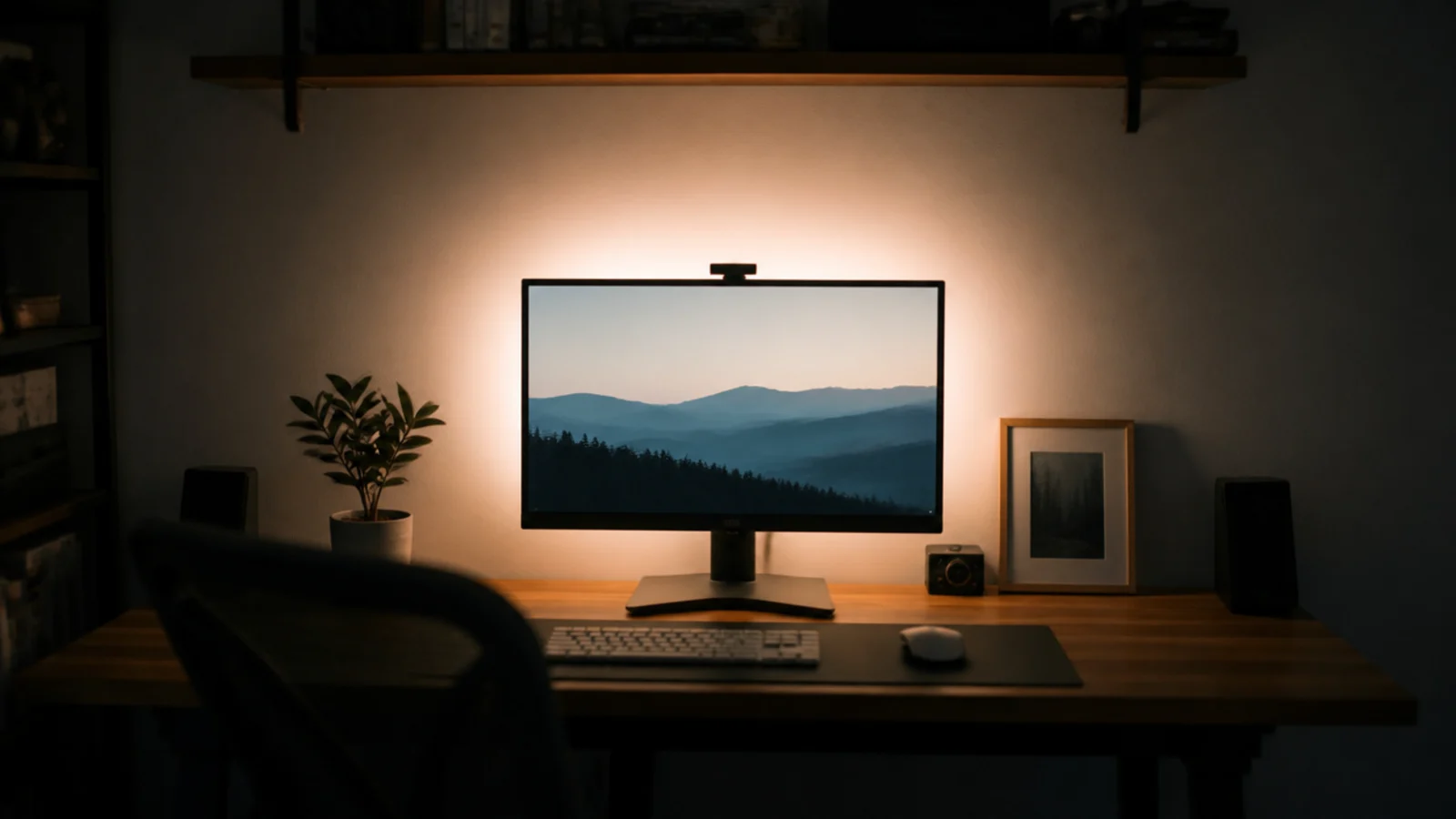
A dark wall behind a bright screen is the classic setup for eye fatigue. A soft wash of light on that wall, at roughly a third of the screen brightness, closes the contrast gap. A shade with an open top does this for free by throwing light upward.
12. Keeping the room within a third of the desk
The working ratio is roughly 3:1 between task and surround. Measure it by eye: if the desk looks like a lit island in a dark room, add ambient light rather than reducing the desk. Both extremes tire your eyes, and the middle is comfortable for hours.
13. A dimmer for evening video calls
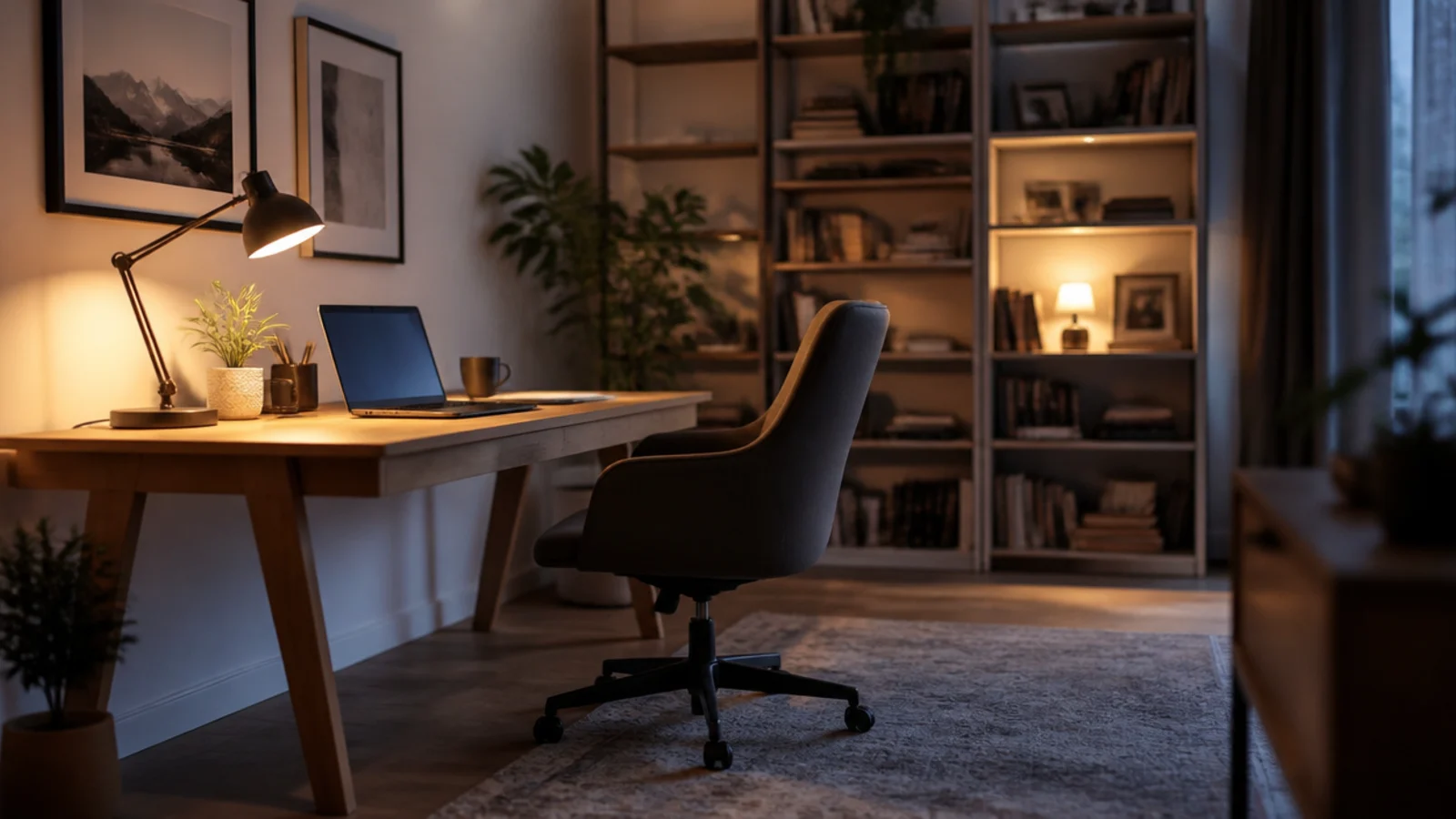
Evening work needs about half the daytime output, and calls need light on your face rather than the desk. A dimmer at $20 to $35 covers the first; a shade with an open top or a lit wall behind the camera covers the second.
14. Tuneable white in a room that is also a living space
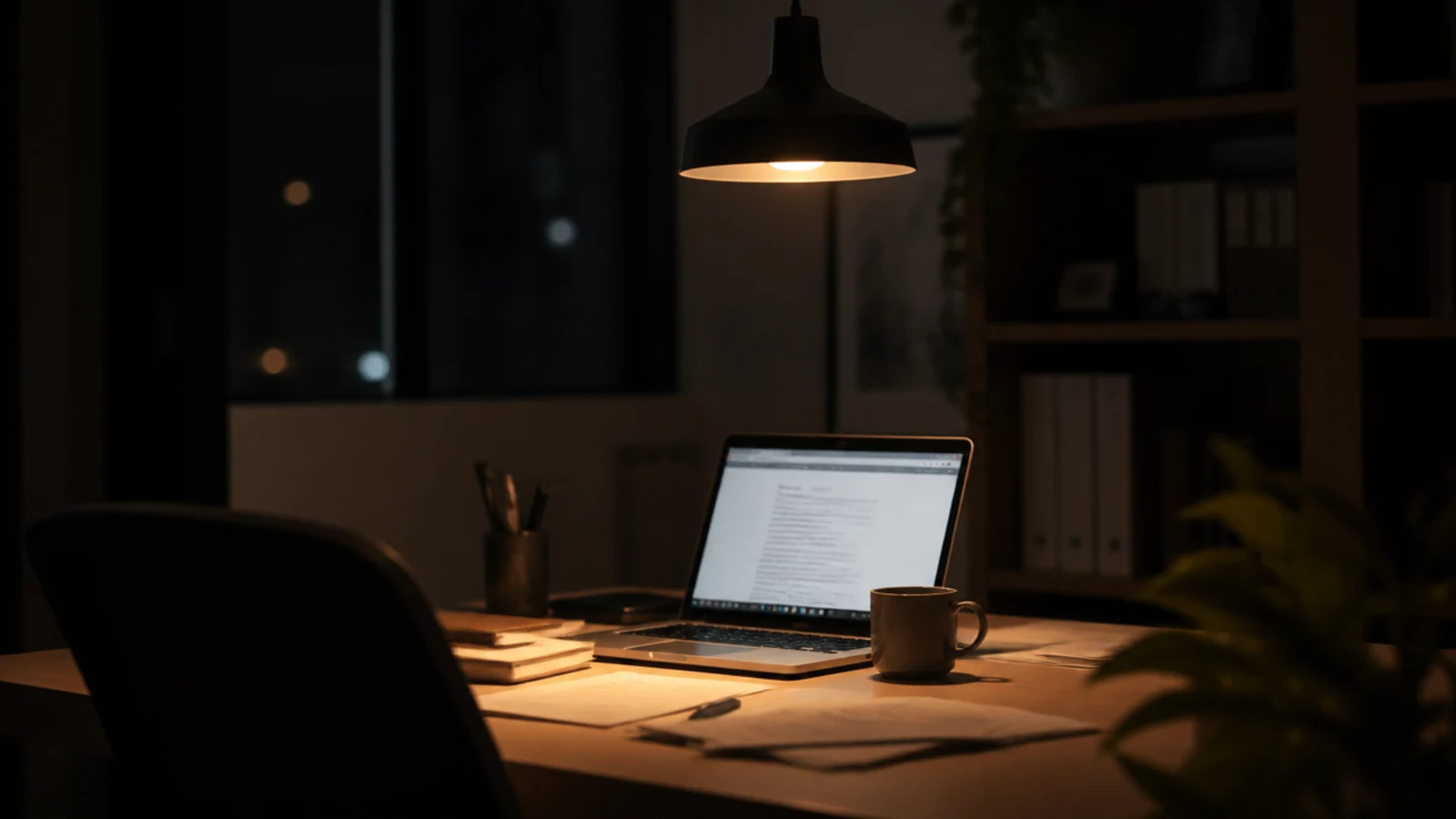
Where the office is a corner of a living room, a tuneable fixture running 4000K by day and 2700K by night is genuinely two fixtures in one. Expect $120 to $300, and check it is controllable from a wall switch rather than only an app.
15. Beam angle for task instead of ambient
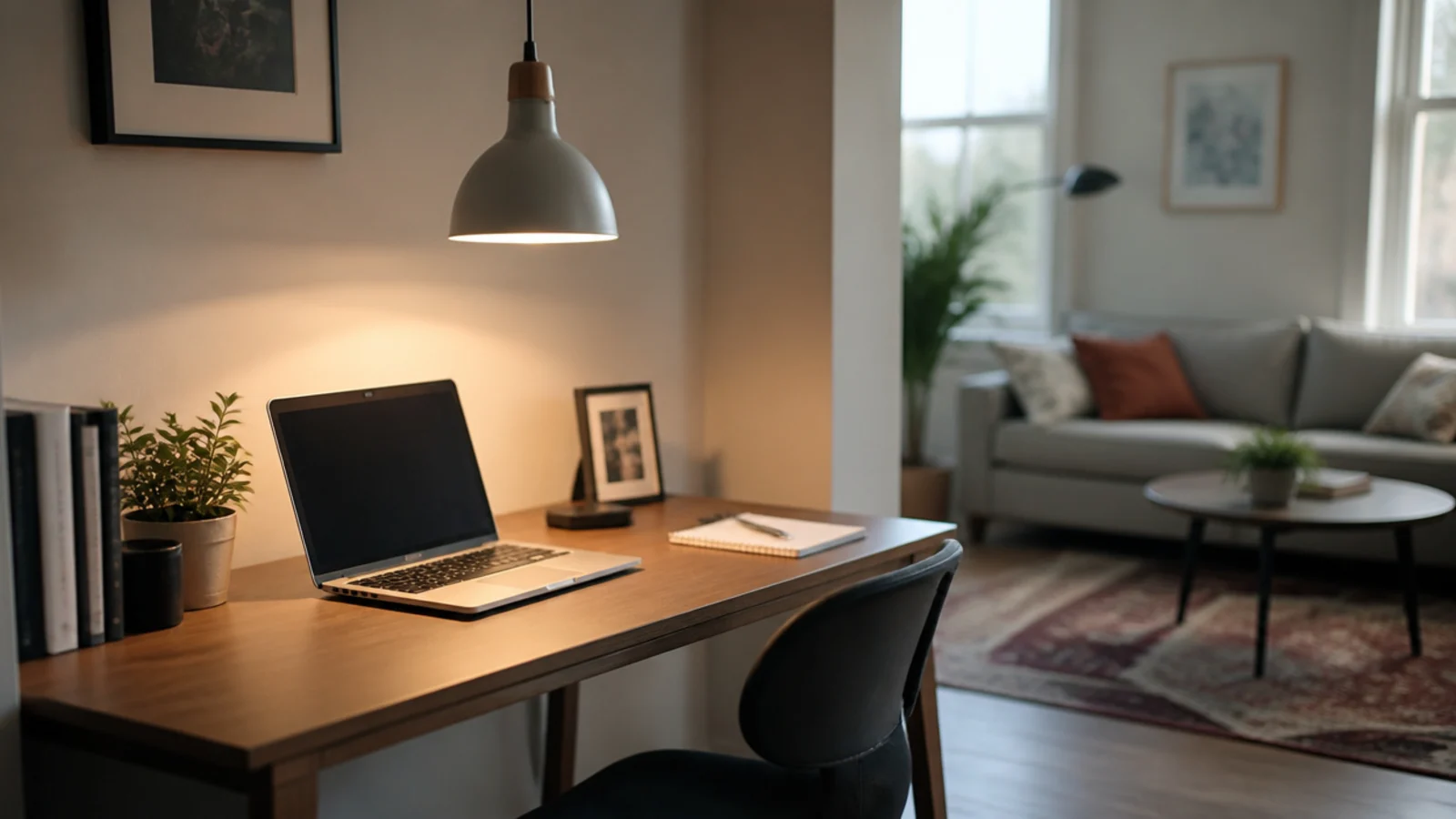
A 25 to 40 degree beam concentrates light on the desk; a 90 to 120 degree beam lights the room. For a desk fixture the narrower option delivers usable light at lower total output, which also means less stray light reaching the screen.
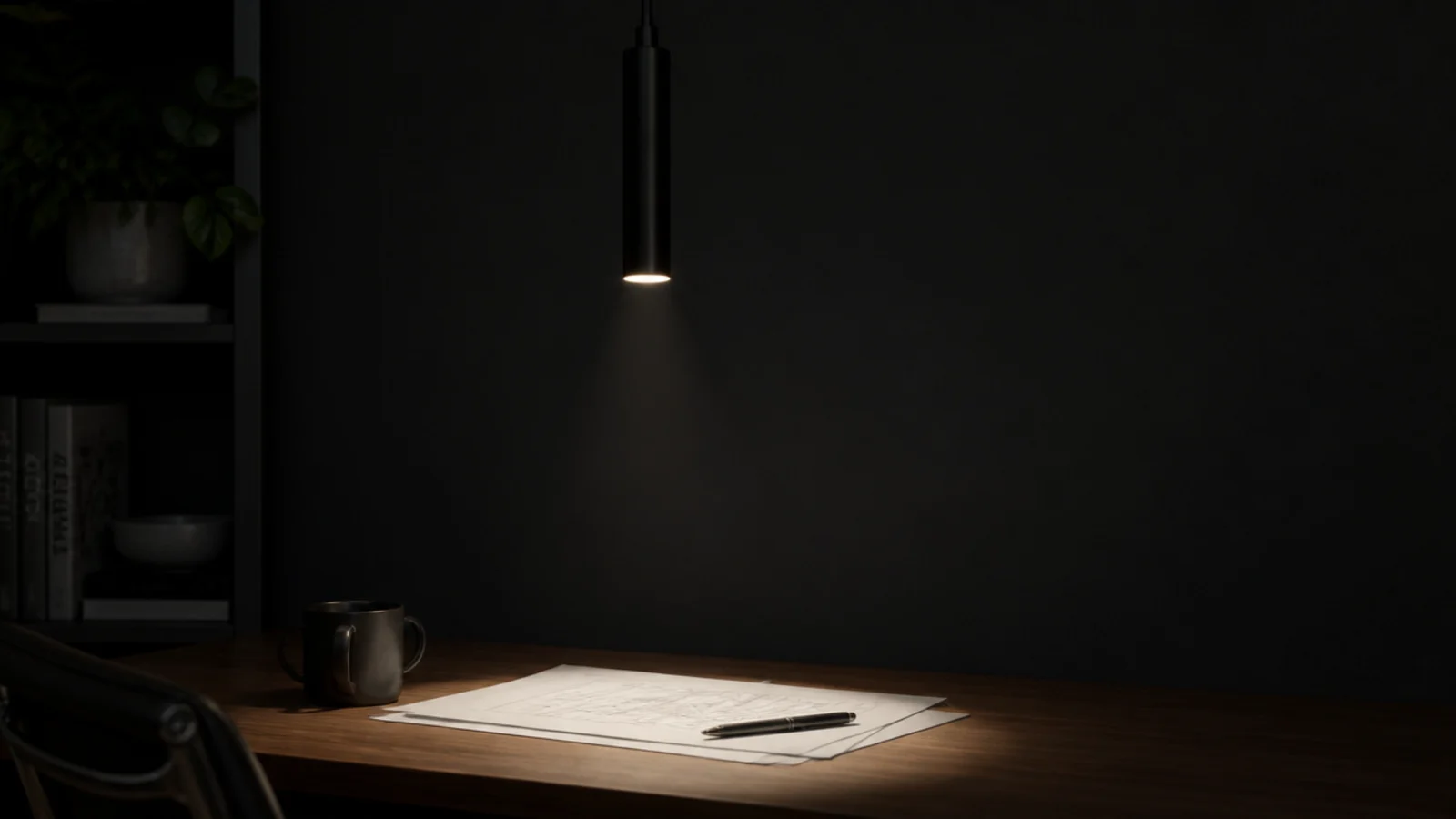
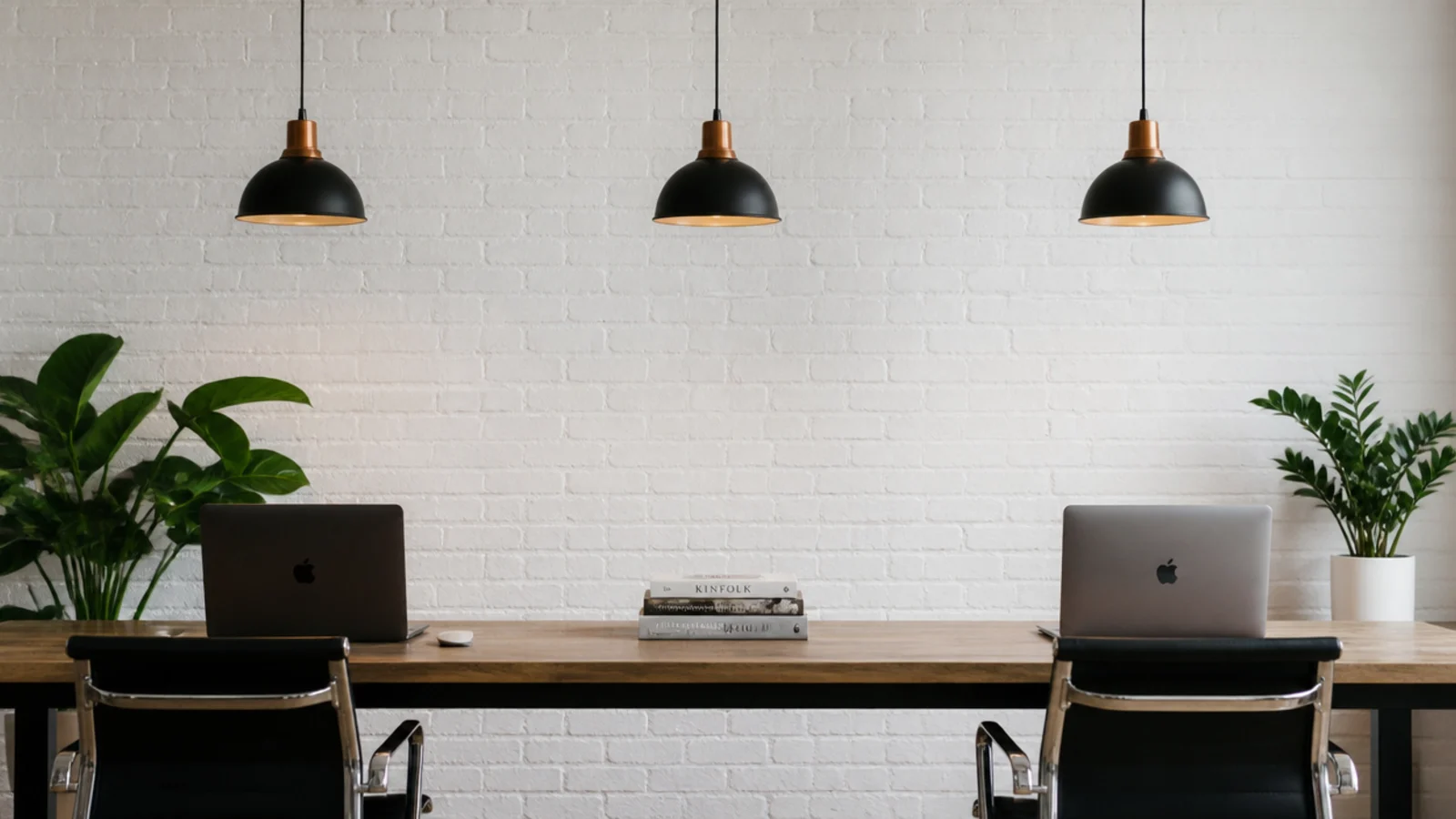
16. A run of pendants over a shared desk
For a two-person desk, use one shade per working position rather than one central fixture, spaced 30 to 36 inches apart. Each person gets light over their own shoulder, and neither is working in the other's shadow.
17. Window glare that no fixture will fix
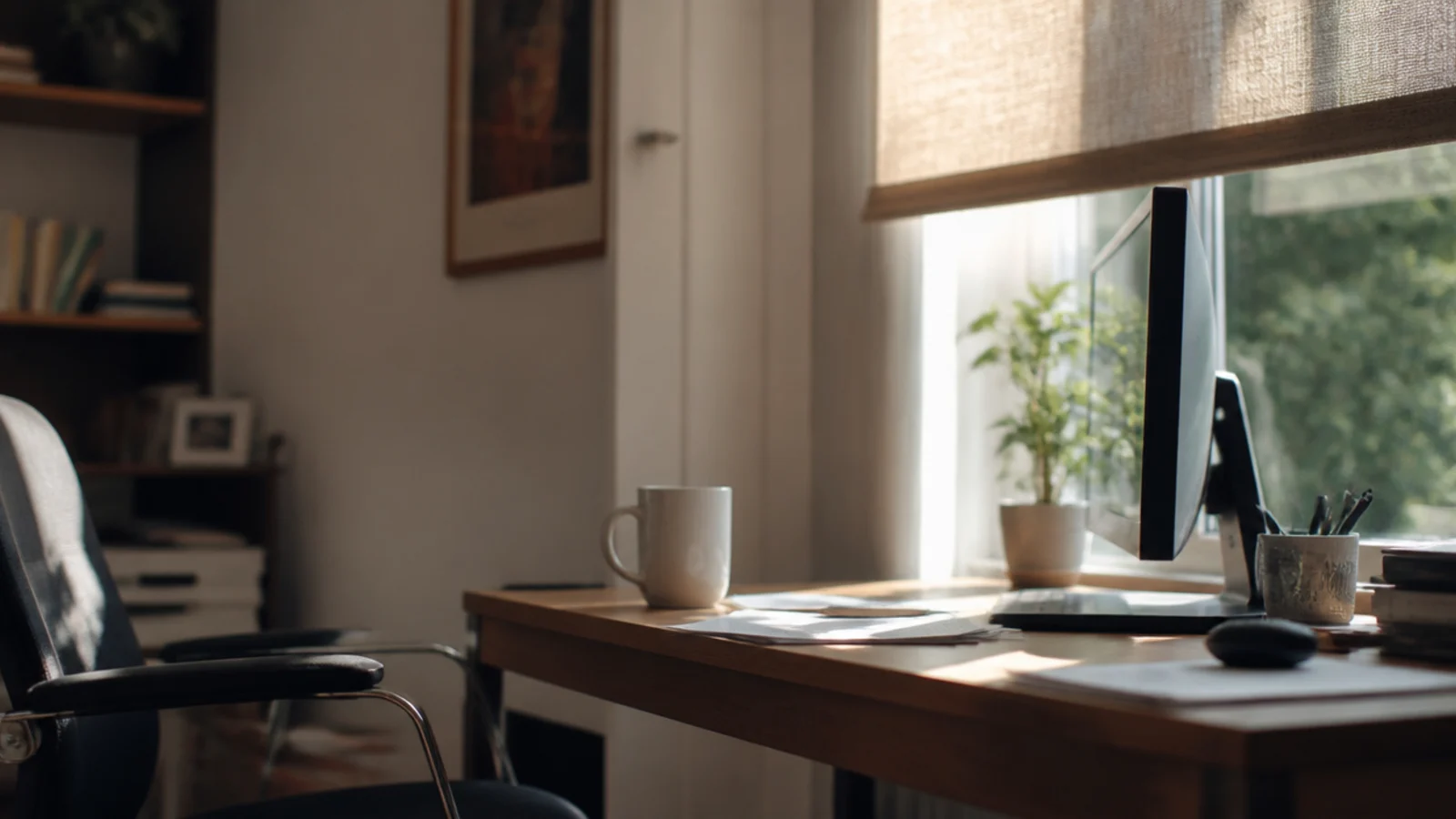
If the monitor faces a window or backs onto one, no pendant will solve it. Turn the desk so the window is to one side, then fit a blind. Daylight is stronger than anything you can hang, and the fix is free. A window at right angles to the screen gives you the daylight without the reflection, which is the arrangement every good office layout starts from.
18. Flicker free drivers for camera work
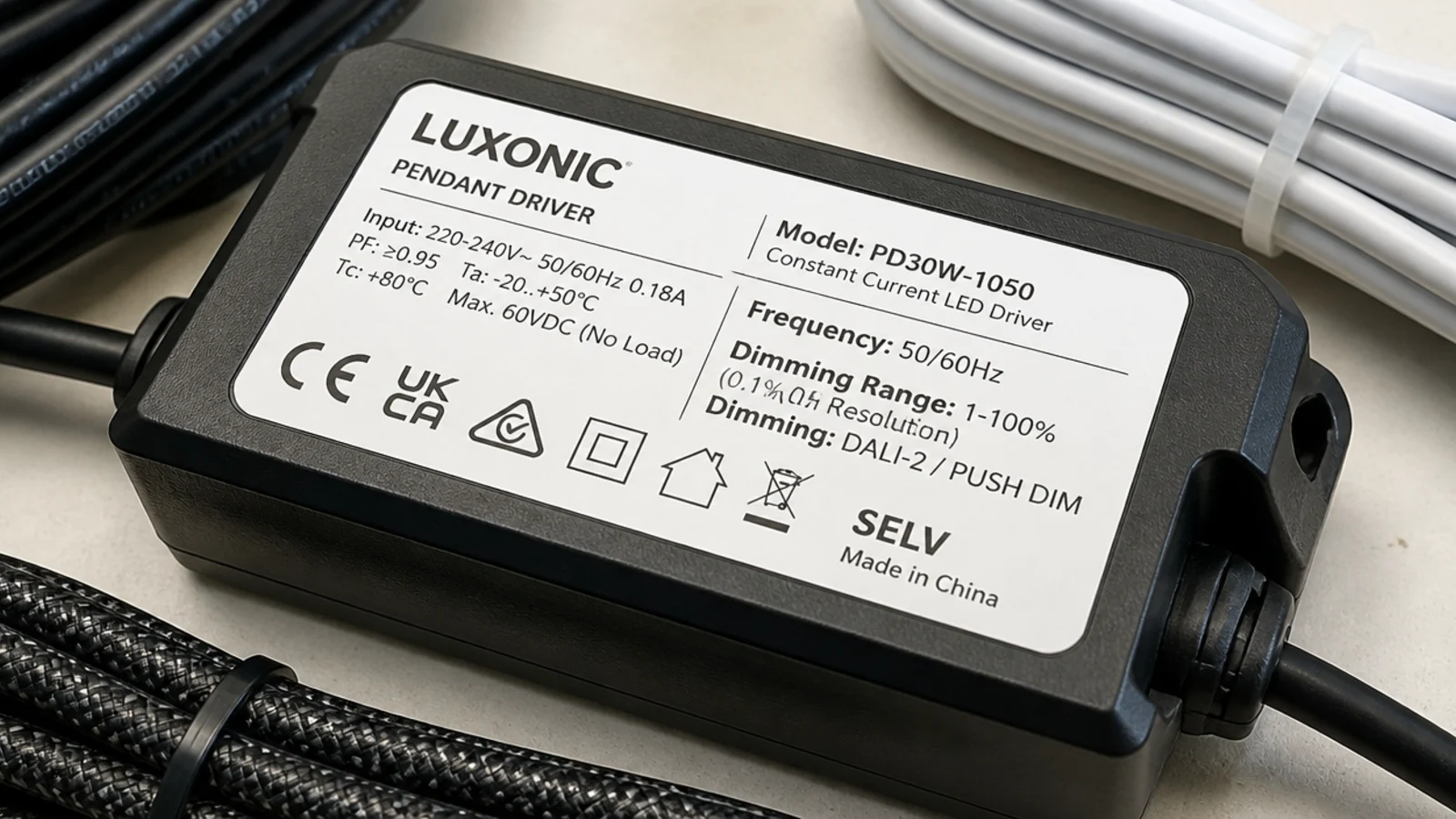
Cheap LED drivers pulse at frequencies cameras pick up as banding. Look for fixtures or bulbs described as flicker-free or with high-frequency drivers, and pair them with a trailing-edge dimmer rated for LED. An old incandescent dimmer will reintroduce flicker at low settings.
19. Cord routing that keeps the desk clear
No cable should cross the working surface. Run the flex down the wall behind the desk in a paintable channel at $8 to $20 for eight feet, or swag it to the nearest corner. A modern fixture with a cord grip lets you set the exact drop without cutting.
20. The ceiling box in a rented office room
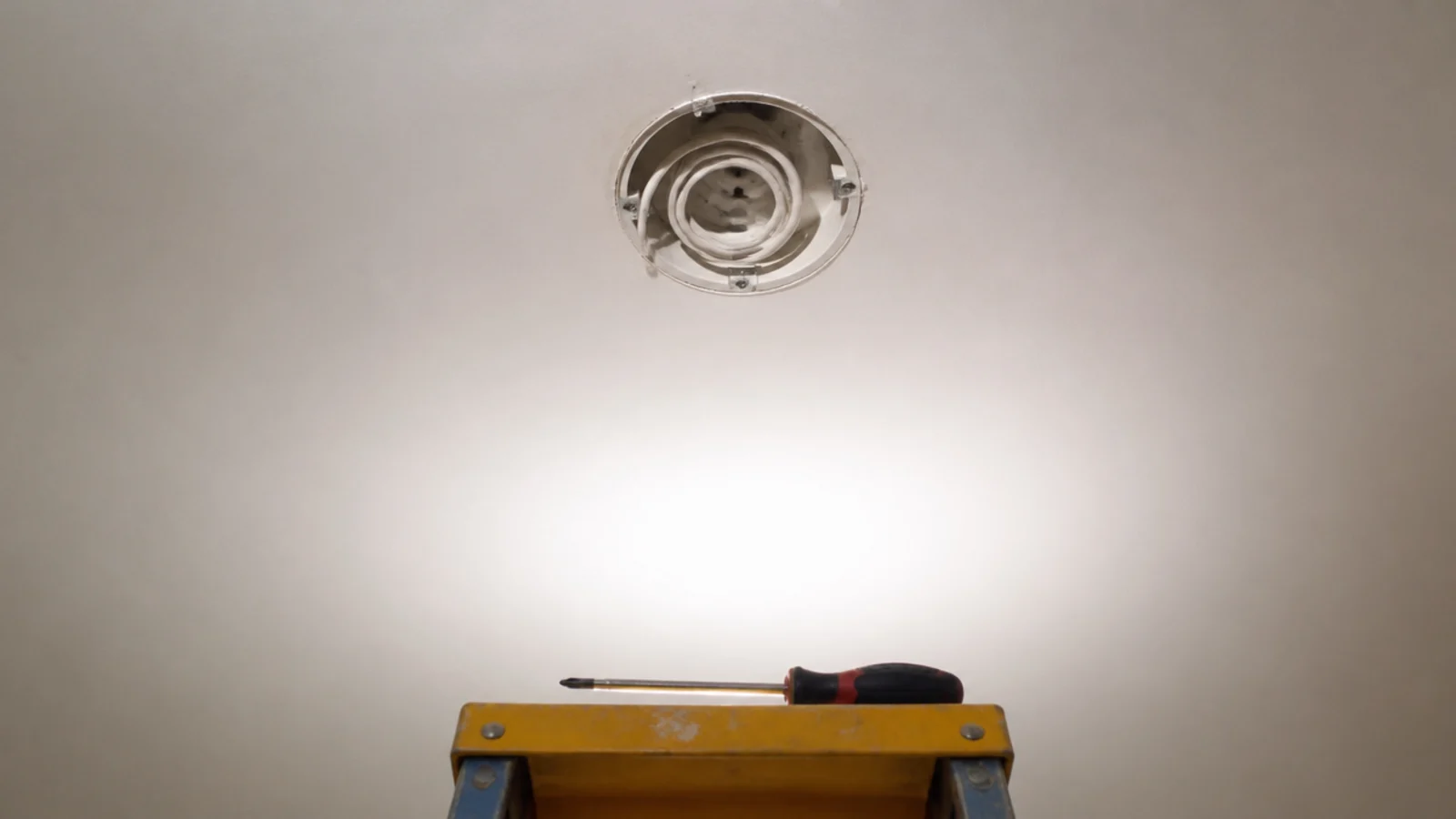
Take the existing fitting down and look for a rating stamp before ordering. A rated ceiling box carries the fixture weight, standard lighting boxes are listed for 50 pounds, and if there is no stamp, use a lightweight shade or a plug-in swag kit instead. Shelving above the desk, as in bookshelf styling, often gives a better mounting point than the ceiling anyway.
If the office wall also carries a clock or artwork at eye level, wall clock design covers the pieces that read well behind you on a call.
Mistakes to Skip
- Hanging the fixture in front of where you sit. It is the reflection you will look at every working day, and moving the light is far easier than moving the desk.
- Choosing a clear glass shade for a desk. A small, very bright object in your peripheral vision is exhausting in a way you notice only after several hours.
- Lighting the desk and leaving the room dark. The pupil adjusts every time you look up from the screen, and that constant adjustment is what makes a good desk light feel tiring.
- Ignoring the driver specification. A flicker you cannot consciously see still shows up on camera and still contributes to headaches by the end of a long day.
Frequently asked questions
How do I stop a light reflecting in my monitor?
Sit in your chair and hold a small mirror flat on the desk in front of the screen. Anything you can see reflected in it will also reflect in the monitor. Move the fixture, tilt the screen or choose a shade that hides the bulb from that angle, and the reflection disappears.
How bright should a desk light be?
Between 500 and 700 lumens landing on the desk surface, which is roughly 300 to 500 lux for general office work. The surrounding room should sit at about a third of that, because a bright desk in a black room is as tiring as a dim desk in a bright one.
What colour temperature suits a home office?
Use 3500K to 4000K during working hours, which supports focus without looking clinical, and drop to 2700K in the evening if the room doubles as living space. A tuneable white fixture does both from one unit and is worth the extra cost in a room used all day.
Where should a pendant hang over a desk?
Slightly behind and to one side of where you sit, so light comes over your shoulder onto the work rather than straight into your eyes or onto the screen. Keep the bottom of the shade 30 to 34 inches above the desk surface, or higher if it sits in your line of sight.
Why does my LED light flicker on camera?
Cheap drivers pulse at a frequency the camera picks up even when your eye does not. Look for a fixture or bulb described as flicker-free or with a high frequency driver, and pair it with a trailing-edge dimmer rated for LED rather than an old incandescent one.
Want more like this? Browse all 15 hanging lights guides — they all use the same measurements and budget tiers.
Pin it for later
Save this to your Hanging Lights board
Pin it now so it is waiting for you when the tape measure comes out — and so the next person hunting for this idea can find it too.
Save this pinKeep going
More ideas worth saving while you have the tape measure out.